Policy Loan Planner
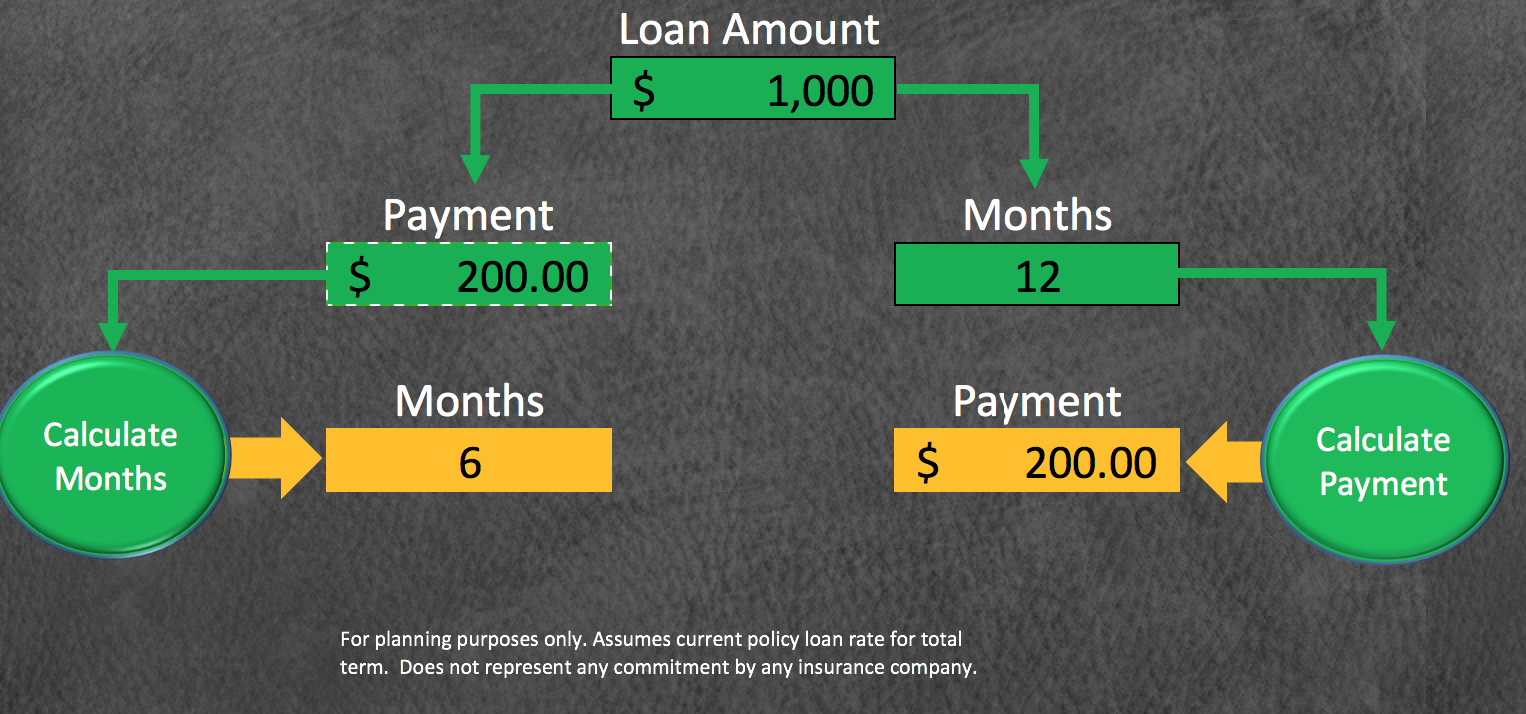
This downloadable Excel spreadsheet lets you plan your policy loan repayment.
- Download the excel file
- Open the file and ENABLE MACROS
- Enter your Loan amount in the top box
- To get the number of months for a given payment:
- Enter your payment in the left box
- Click on Calculate Months
- To get the payment for a number of months:
- Enter the number of months in the right box
- Click on Calculate Payment
- Please note that months calculation will show one extra month if there is one last partial payment, no matter how small.